

One of the first choices photographers make is whether to shoot in RAW vs JPEG. RAW files keep all the original photo data, so you get more control during editing and can fix mistakes more easily. But they take up more storage and need editing before they shine. JPEGs are smaller, ready to use straight from your camera, and perfect when you want fast results.
Knowing the key differences between RAW vs JPEG will help you decide which format suits your style, whether you want to dive deep into editing or keep things simple.
What Are RAW and JPEG Files?
In simple terms, RAW vs JPEG refers to two types of image files your camera creates when you snap a photo. You usually pick which format your camera saves through the “Image Quality” settings, where you can choose RAW, JPEG, or both at the same time. Understanding your best camera settings can also help you decide which format works best for your shooting style
RAW files are like digital negatives. They contain every bit of data your camera sensor captures, without any processing or compression. Because they’re unprocessed, RAW files hold a lot more detail and give you plenty of flexibility to edit your photos later.
JPEG files, on the other hand, are compressed and processed inside the camera. The camera applies settings like brightness, contrast, sharpening, and color balance automatically, then saves the image as a smaller, ready-to-use file. JPEGs are easier to share and usually good enough for everyday photography or quick uploads to social media.
What Is a RAW File?
Think of RAW files as the most detailed and “unfiltered” version of your photo. When you shoot in RAW, your camera saves everything it sees without discarding any data. This means you get more control over how your photo looks once you start editing, but it also means RAW files need some work before they look their best.
If you’ve ever shot film, RAW is like having your negatives. The photo straight from the camera looks flat and dull, but after developing it with editing software, the colors, contrast, and sharpness come to life.
Most serious photographers and pros prefer shooting RAW because it offers the highest quality and the most creative freedom. Even many smartphones today can shoot in RAW, which helps you get better results from phone photography.
What Is a JPEG File?
JPEG files are compressed and processed images. When your camera creates a JPEG, it applies adjustments to contrast, color, sharpening, and more before saving the photo. This results in smaller files that are ready to use straight away, without any extra editing.
JPEGs are convenient because you can instantly share them on social media, email them, or print without any additional steps. The downside is that JPEG compression means some image data is lost, limiting how much you can edit the photo later without sacrificing quality.
JPEG is great if you want quick results or don’t want to spend time editing your photos.
RAW vs JPEG: Pros and Cons
Now that you know what RAW and JPEG files are, let’s look at the advantages and disadvantages of shooting in each format.
Cons of Shooting RAW
One of the biggest drawbacks of shooting RAW is the file size. RAW files are significantly larger than JPEGs, sometimes two to five times bigger depending on your camera and settings. This means your memory cards will fill up faster, and you’ll need more storage on your computer or external drives. If you don’t have a solid backup plan, you risk running out of space during long shoots or losing files due to hardware failure.
Another challenge with RAW is post-processing. RAW images are essentially “digital negatives,” which is great for flexibility, but they often appear flat, dull, or lifeless straight out of the camera. You’ll need to spend time in software like Lightroom or Capture One to adjust exposure, contrast, colors, and sharpening. For photographers who want immediate results or are new to editing, this extra step can feel daunting.
Finally, RAW files aren’t ready for direct sharing. Most social media platforms, email services, and websites don’t support RAW files, so you must convert them to JPEG or another common format before uploading. This extra conversion step adds time if you want to share your images quickly, such as for client delivery or online portfolios.
Pros of Shooting JPEG
JPEGs shine in convenience. Because they’re compressed and processed in-camera, they’re much smaller than RAW files, making it easy to store thousands of photos without worrying about running out of space. You can carry more shots on the same memory card, which is especially handy for events or travel photography.
Another advantage is that JPEGs come out “ready to use.” The camera applies adjustments like sharpening, contrast, and color profiles automatically, so you don’t need to spend hours editing. For casual photographers, social media content creators, or anyone wanting a quick turnaround, JPEGs are ideal.
You can also upload JPEGs immediately to social media, email them to friends or clients, or print them without any extra steps. This instant usability is a big reason why many photographers still shoot JPEG for everyday work or fast-paced projects.
Cons of Shooting JPEG
The main trade-off with JPEGs is compression. JPEG compression discards some image data to reduce file size, which limits how much you can correct exposure, color, or detail later. If you accidentally overexpose a bright sky or underexpose shadows, recovering that information can be very difficult or impossible.
JPEGs also limit creative control. The camera decides on the final look based on your settings, so you have less flexibility to tweak colors, tones, or contrast compared to RAW. White balance is baked into the file, which means mistakes in-camera are harder to fix in post-processing.
Finally, aggressive editing on JPEGs can quickly degrade quality. Pulling too much exposure, saturation, or contrast can introduce banding, color artifacts, or pixelation, making the photo look lower-quality than the original. For photographers who want maximum control over their images, this can be frustrating.
Which Should You Choose: RAW or JPEG?
Choosing between RAW vs JPEG depends on your photography goals and workflow. If you want the best quality and are happy to spend time editing, shooting RAW is the way to go. RAW files give you the freedom to fix mistakes, experiment, and bring out every detail.
If you want simplicity, quick sharing, and no editing hassle, JPEG works perfectly. JPEG is great for casual shooting, events with fast turnaround, or when you want to upload photos right away.
Many cameras let you shoot both RAW and JPEG simultaneously. This way, you get a RAW file for editing and a JPEG for quick sharing.
Editing RAW Files: What You Need to Know
To get the most from RAW, you need image editing software, and understanding your camera’s shooting modes will make it easier to capture images that are easier to edit later. Each camera brand has its own RAW format—Canon uses CR2, Nikon uses NEF, Sony uses ARW, and so on—so make sure your software supports your camera files.
Popular RAW editing programs include Adobe Lightroom Classic, Capture One, and free options like Nikon’s NX Studio or Canon’s Digital Photo Professional.
When editing RAW, you usually adjust:
- Exposure to brighten or darken your photo
- Highlights to recover bright, blown-out areas
- Shadows to reveal hidden details in dark parts
- White balance to fix or change color temperature
- Contrast to make your image pop
- Saturation to boost or reduce colors
- Sharpening because RAW images come out softer than JPEGs
Mastering these tools can turn a flat RAW file into a stunning, professional-looking photo.
When Should You Shoot RAW?
RAW is the ideal choice if you want to take your photography seriously and have full control over your images. It’s perfect for situations where you need to fix mistakes in exposure, recover blown highlights, or adjust shadows without losing detail.
Tricky lighting conditions—like backlit subjects, sunset or sunrise scenes, or high-contrast landscapes—are much easier to handle in RAW because proper metering modes help your camera capture the light accurately, giving you more room to tweak colors, contrast, and tones.
RAW is also the go-to format for professional work, like portrait sessions, events, or commercial photography, where you might need large prints or high-quality digital files. Even if the image looks dull straight out of the camera, editing RAW allows you to bring it to life exactly how you envisioned it, with precise control over sharpness, white balance, and color grading.
If you plan to spend time in Lightroom, Capture One, or Photoshop, RAW gives you the flexibility to push your creativity further and create polished, professional results.
When Is JPEG Good Enough?
JPEG is great for everyday photography or situations where speed and convenience matter more than ultimate control. If you’re snapping family moments, travel photos, or casual street scenes, JPEG files come out ready to share and often look good straight from the camera. You don’t need to spend hours editing to make them usable, which is perfect if you want quick results or just enjoy shooting without diving into post-processing.
JPEG is also a smart choice when storage space is limited. Smaller file sizes let you keep more photos on your memory card or hard drive without worrying about running out of space. For bloggers, social media influencers, or anyone who needs to upload images immediately, JPEG is hassle-free—you can post directly to Instagram, Facebook, or your website without converting files. Even photographers who travel light or don’t have access to editing software will find JPEGs convenient and practical, making it a flexible format for casual, fast-paced photography.
Using Lightroom Presets to Edit RAW and JPEG
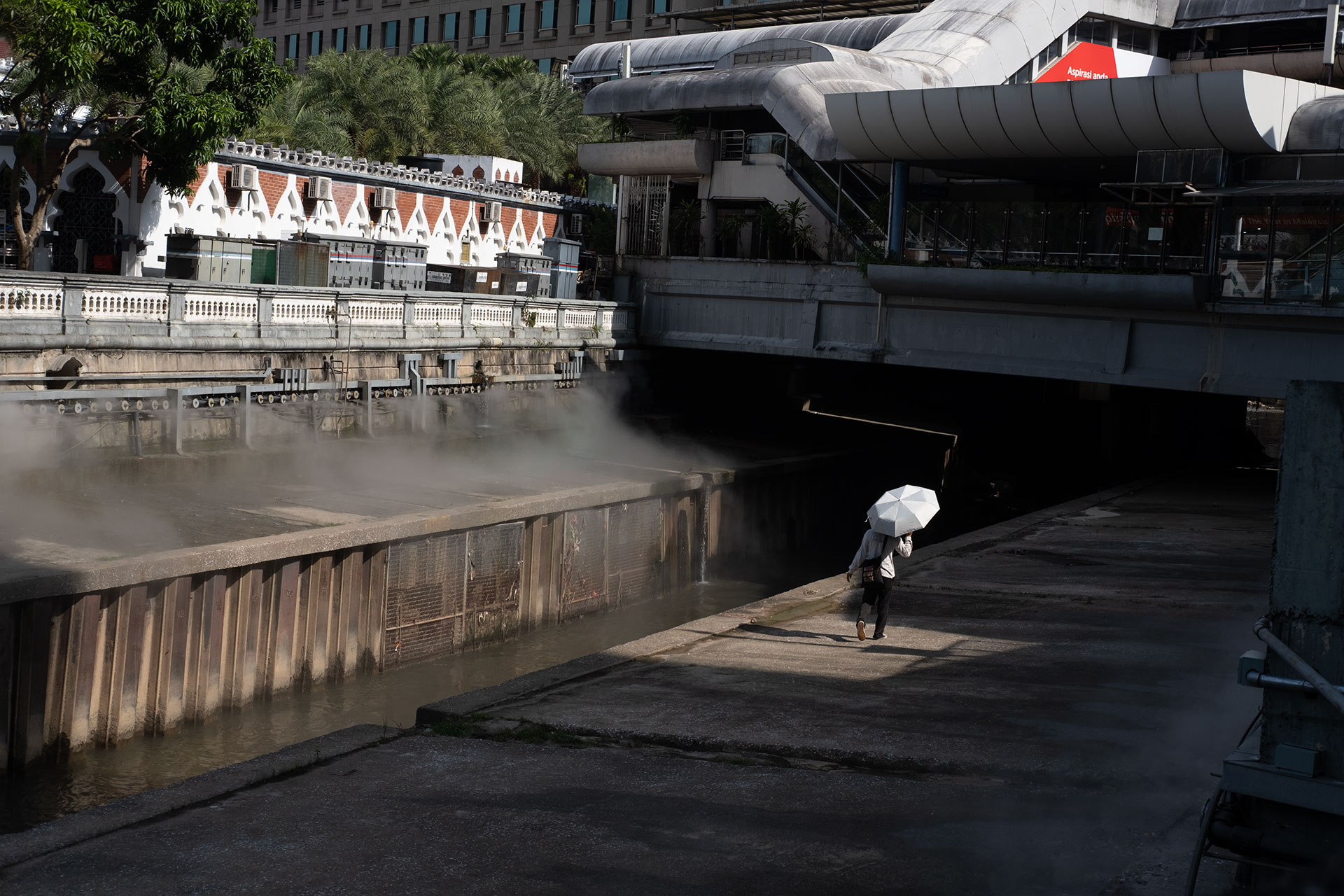
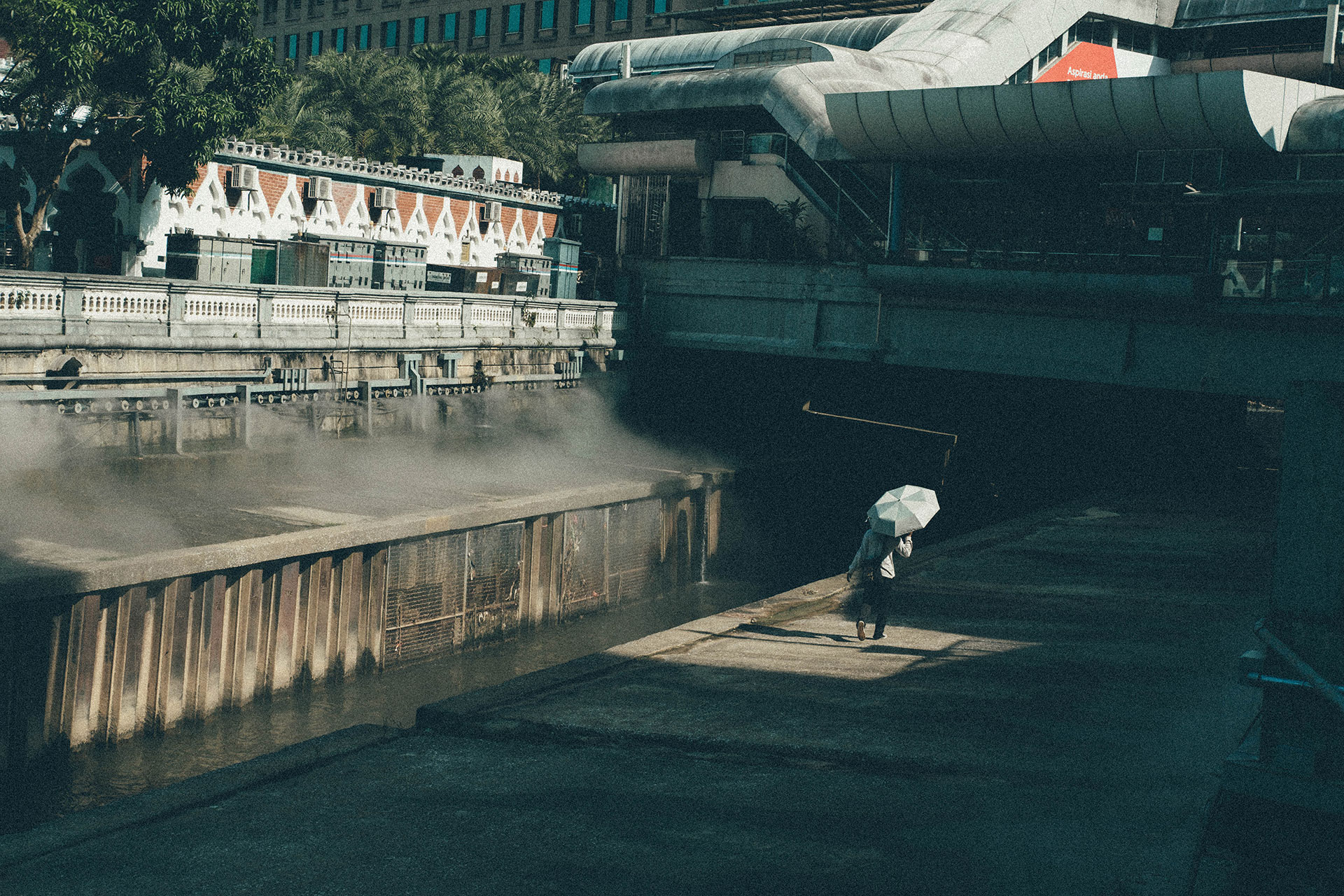
One of the easiest ways to speed up your editing workflow is by using Lightroom presets. Presets are pre-made adjustments that you can apply to your photos with a single click, letting you achieve a consistent look without manually tweaking exposure, contrast, or colors for every shot.
RAW files benefit the most from presets because they contain all the image data your camera captured. This extra flexibility means presets can enhance details, recover shadows, or bring out colors in ways that JPEGs can’t always handle. You can still use presets on JPEGs, but you might notice some limits when adjusting highlights or shadows since some data has already been compressed or discarded.
Applying a preset is simple: import your photo into Lightroom, select the preset you like, and adjust the strength if needed. Many photographers create their own presets tailored to their style—like a cinematic look for street photography or a bright, airy vibe for travel shots. You can even combine presets with minor manual edits to get the perfect final image.
For photographers who want quick, consistent results, presets are a game-changer. They’re especially useful if you shoot in RAW+JPEG—apply a preset to the RAW file for detailed edits while keeping the JPEG version ready to share.
Fujifilm camera users can explore the Fujifilm film simulation recipes for ready-made film-inspired looks that save time and enhance their editing workflow. Using presets can improve efficiency and help you maintain a professional, polished style across your photos.
Vision 400D Lightroom Preset
Add a cinematic touch to your photos with Vision 400D. Ideal for street, travel, and portrait shots, it brings a greenish-blue film-inspired tone that really pops during golden hour.
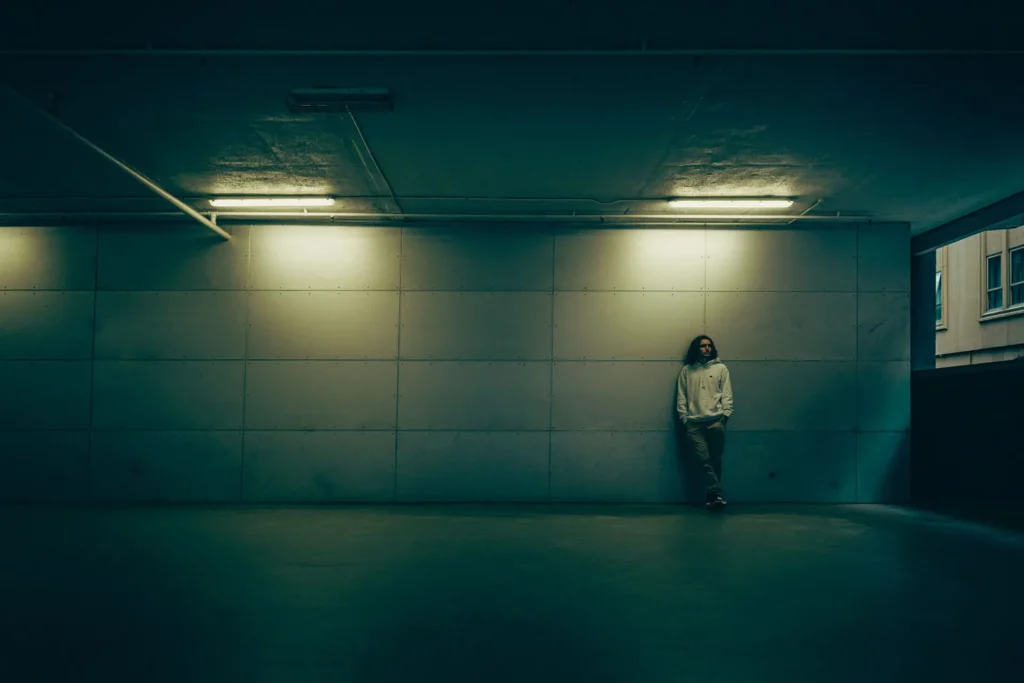
Moment Cinelux Lightroom Preset
Cinelux is a film-inspired preset made for photographers and filmmakers. It delivers green-shifted tones, cool highlights, soft shadows, and gentle grain, giving your photos a cinematic, moody vibe with minimal effort.
RAW vs JPEG: Final Thoughts
There isn’t a one-size-fits-all winner in the RAW vs JPEG debate. RAW gives you the highest quality and editing control but needs more storage and editing time. JPEG is easy, fast, and ready to use but limits how much you can adjust your photos later. The right choice depends on your shooting style, how much editing you want to do, and what you want to do with your images.
Choosing between RAW vs JPEG comes down to your priorities. If editing and quality matter most, pick RAW. If speed and convenience are key, JPEG will do the job. Either way, knowing these formats helps you make better photos and get the most from your camera.


